Free Temporary Email
Disposable email addresses that work instantly. No signup, no ads in your real inbox.
How it works
Copy your address
A fresh disposable email address is generated the moment you land here. One click to copy.
Use it anywhere
Paste it into any signup form, newsletter box or download gate instead of your real email.
Read incoming mail
Open the inbox and messages appear in seconds — verification codes, links and attachments included.
Why use a disposable email address?
Every website you hand your real email to is a future source of spam and a potential data breach. A throwaway email keeps your primary inbox clean: use it for one-time signups, free trials, Wi-Fi portals, coupon downloads or any service you don't fully trust yet.
Instant, no signup
Your temp mail inbox exists before you even ask for it. No registration, no CAPTCHA, no wait.
+Alias filtering
Append +anything to your address (name+shop@…) and filter your inbox by alias to see who sold your address.
Private mailboxes
Sign in to claim an address as yours. Private mailboxes are only readable by your account.
Pick any address
Don't like the random one? Type any name in the lookup bar and that inbox is yours immediately.
Auto-refresh inbox
New emails appear automatically within seconds — no need to hammer the refresh button for your OTP code.
Free developer API
Create inboxes and read mail programmatically. Perfect for QA and end-to-end signup tests.
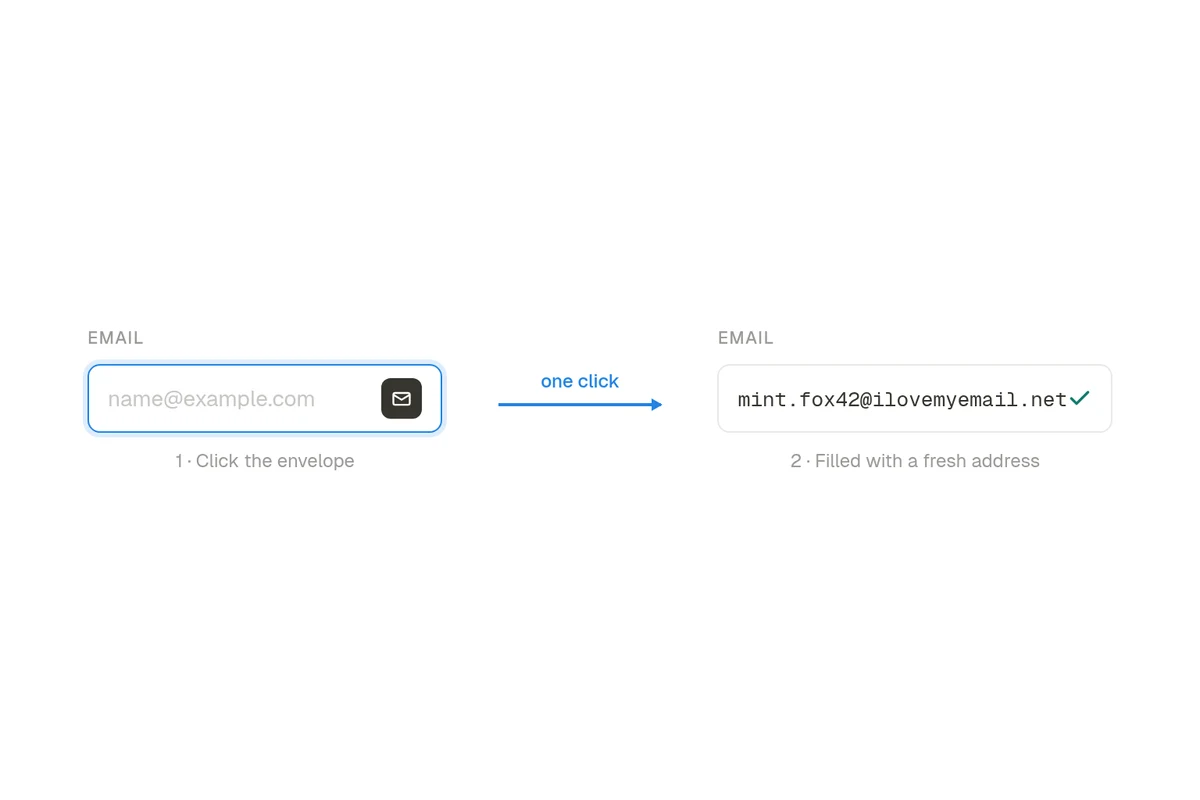
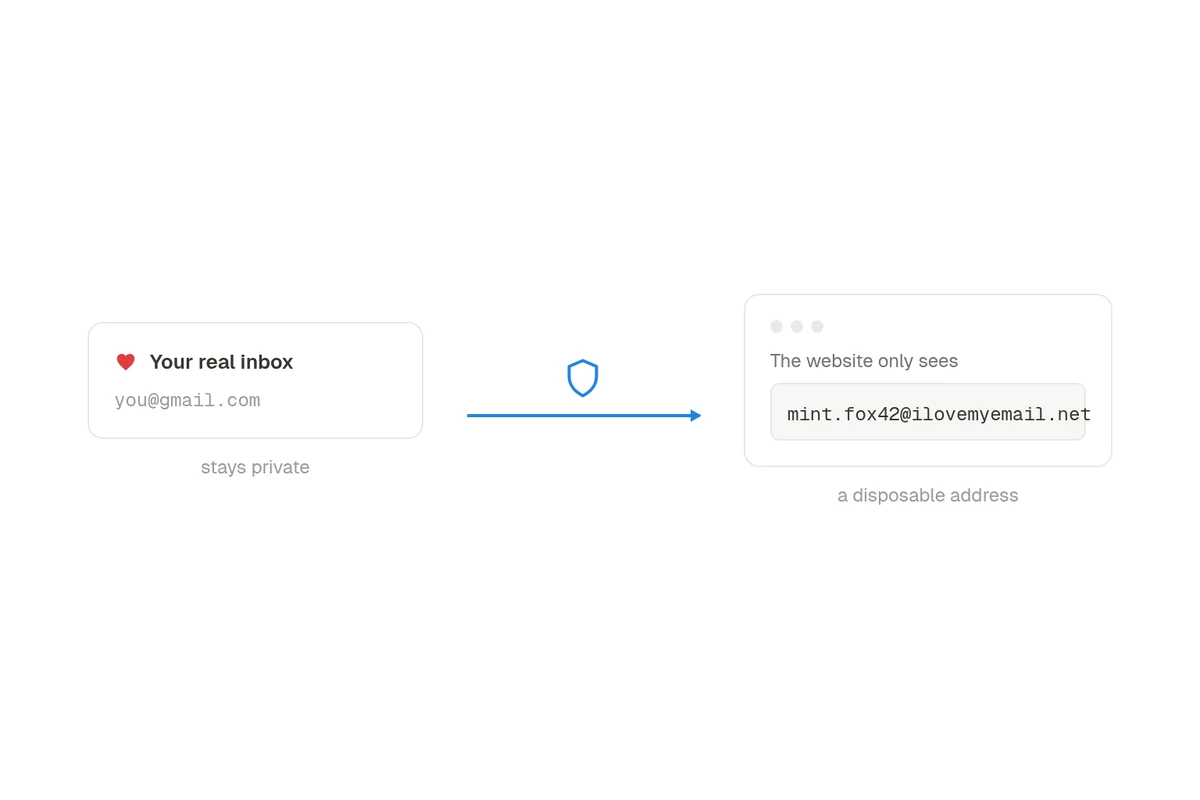
Autofill any signup form
The browser extension puts a fresh address one click away: focus an email field, pick the suggestion, done. The website only ever sees the disposable address — your real inbox stays hidden.
Built for developers too
CatchThis doubles as a temporary email API: create disposable inboxes, list messages and read full email content (text, HTML and headers) over a simple REST interface.
Frequently asked questions
What is a temporary email address?
A temporary email address (also called a disposable, throwaway, or burner email) is an inbox you can use instantly without creating an account. Use it to sign up for websites, download files, or test services without exposing your real email address to spam or data leaks.
Do I need to sign up to use CatchThis?
No. A disposable address is generated the moment you open the site. Signing in is optional — it lets you claim addresses as private mailboxes so only you can read them.
How long do temporary emails stay in my inbox?
Messages are kept so you can come back to the same address later by typing it in the lookup bar. Unlike 10-minute-mail services, your inbox does not self-destruct while you are still using it.
Can I choose my own email address?
Yes. Type any address into the lookup bar — for example yourname@ilovemyemail.net — and its inbox opens instantly. You can also use +aliases like yourname+shop@ilovemyemail.net to filter incoming mail.
Is a temporary email anonymous and safe?
Your real identity is never attached to a public inbox, and no personal information is required to use one. For sensitive mail, sign in and claim the address as a private mailbox so nobody else can open it.
Does CatchThis have an API?
Yes — a free REST API lets you create inboxes and read emails programmatically, which is ideal for QA automation and testing signup flows. See the temporary email API page for examples.